Creating a Game Map
At any point in the course, you can work on creating game maps so that once you learn all the skills to program games, you'll already have a head start.
We are going to use an online tool called Sprite Fusion to create maps. We will go over this in class, but here is a quick tutorial.
If you prefer...
A five minute video tutorial is also available here.
- From the Sprite Fusion home page, click on Go to Editor.
- Go through the tutorial if you'd like.
- Go to the dropdown where it says Tutorial Project and click New. Give your project a name, such as
Map1. - Import a tile set. Here is a good one to try (right click, and
Save image as). - Start by creating a ground layer.
- Add structures and other items on layers above the ground. Set a layer to colliding if the player should not be able to walk over objects in that layer.
- Make sure you save your work. Although the program attempts to save your work in your browser, this can sometimes be lost. It is best to explicitly save (which will prompt you to download a file), and store the downloaded file somewhere in your Google Drive.
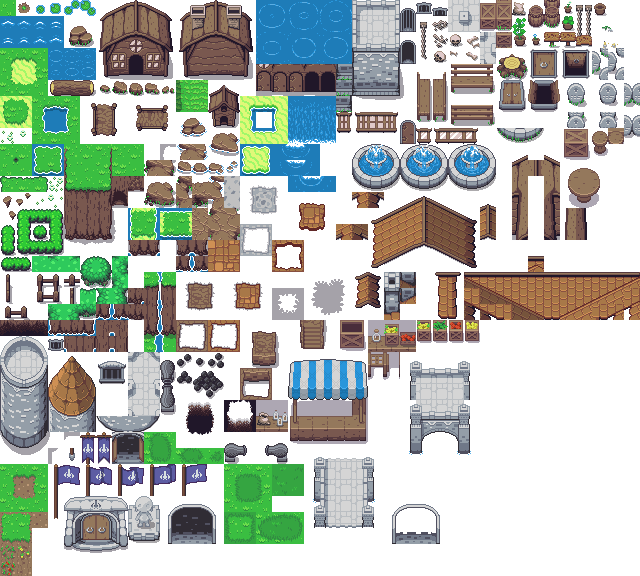
If you want to try other tile sets, here are some from the same set:
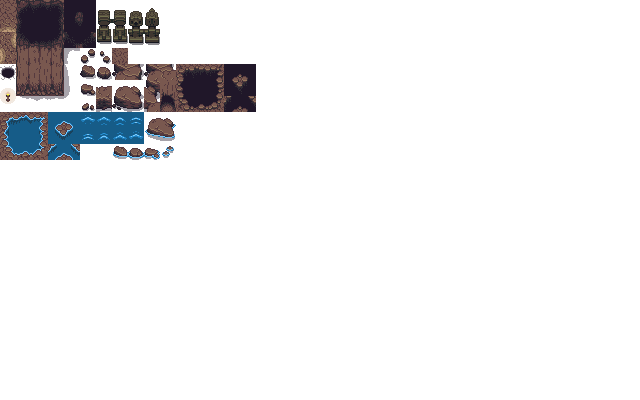
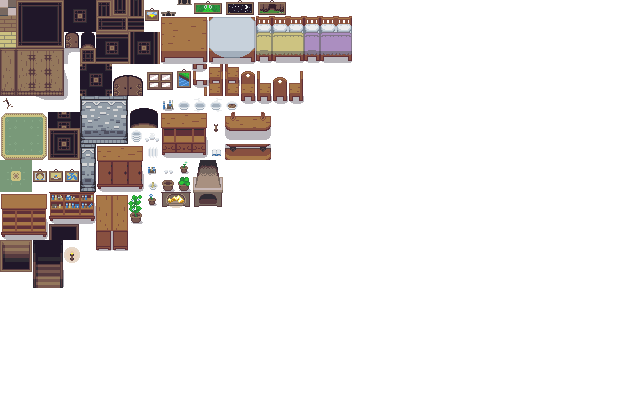
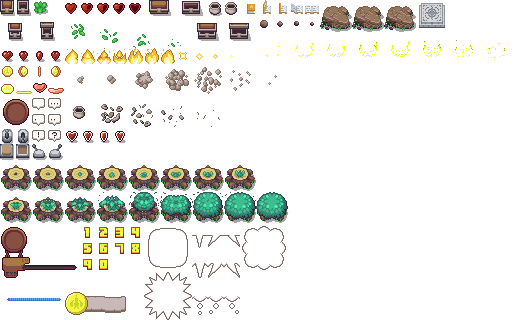
You can also search from public domain tile sets at the OpenGameArt Website.