HTML5 Preferences
The HTML5 preferences have the following options:
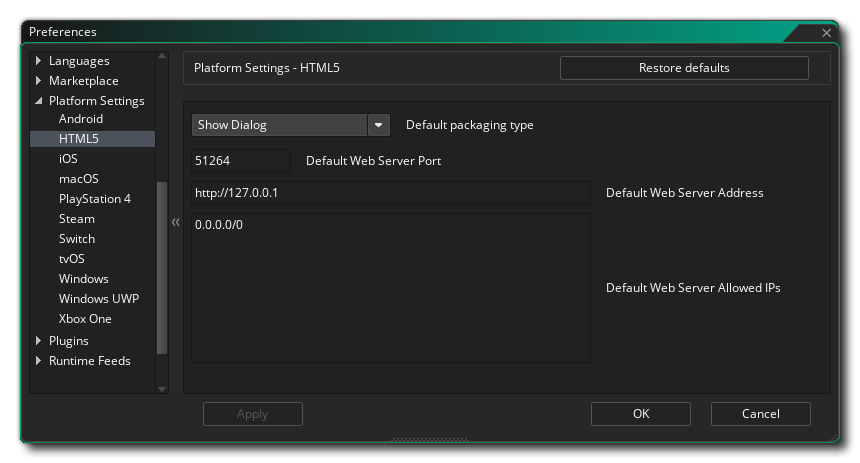
- Default packaging type: When building a final HTML5 executable package, you can choose between Package as loose files - which will simply generate all the required files in a folder - or Package as Zip - which will create a compressed ZIP file that will have the game and any additional files within. By default you will be given a choice of which of these two options you wish to choose on compile, but you can set this preference to always use one or the other. Note that when this option is set to Show Dialogue, in the actual dialogue window that pops up on compile, choosing "Remember Packaging Option" will set this preference to the option you select.
- Default Web Server Port: This lets you change the default port for the HTML5 web server. Default value is 51264.
- Default Web Server Address: Here you can change the default web server address for the HTML5 web server. Default value is 127.0.0.1.
- Default Web Server Allowed IPs: Here you can add in any allowed IPs for the web server and they will be set as default for all devices added through the Target Manager.
IMPORTANT When using a particular target device (i.e. browser), the IP and port values set for that particular device are used instead of these preferences. Check The Device Manager to see a list of your devices with their details.