This function creates a simple effect above all instances of your room (it is actually created at a depth of -15000).
If the effect is anything other than ef_rain or ef_snow then you can define an x/y position to create the effect, and the size can be a value of 0, 1, or 2, where 0 is small, 1 is medium and 2 is large.
These effects can have their drawing toggled on and off, as well as paused, by using the functions part_system_automatic_draw and part_system_automatic_update with the appropriate value for the particle system index (where 0 is for effects below and 1 is for effects above).
The available constants for the different particle kinds are:
| Effect Type Constant | ||
|---|---|---|
| Constant | Example | Description |
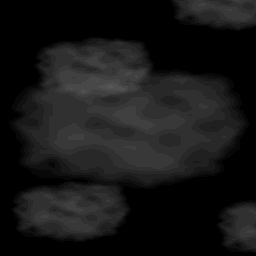
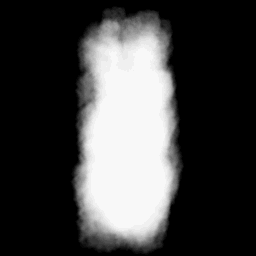
| ef_cloud | |
An effect that creates random cloud particles of varying sizes |
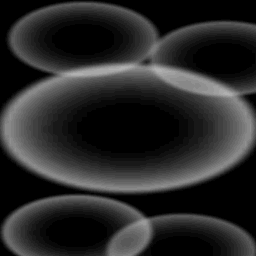
| ef_ellipse | |
An effect that creates expanding ellipses |
| ef_explosion | |
An effect that creates expanding fading explosions |
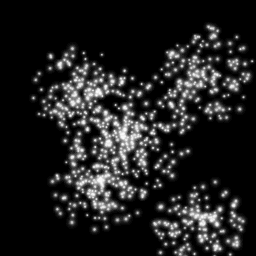
| ef_firework | |
An effect that creates multiple small particles to generate a firework explosion |
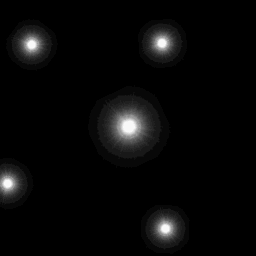
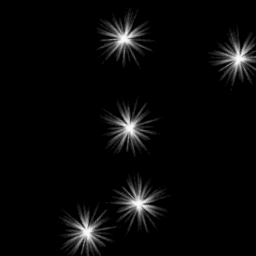
| ef_flare | |
An effect that generates a brilliant point that flares up and fades out |
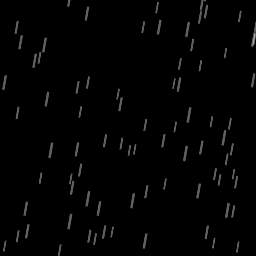
| ef_rain | |
An effect that generates rain particles coming down from the top of the screen |
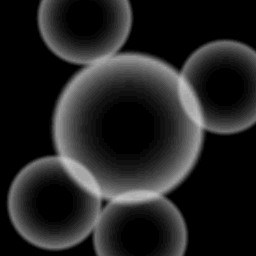
| ef_ring | |
An effect that generates expanding and fading circles |
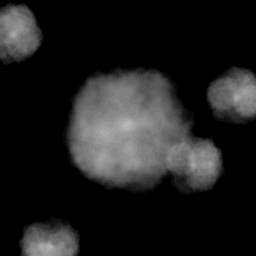
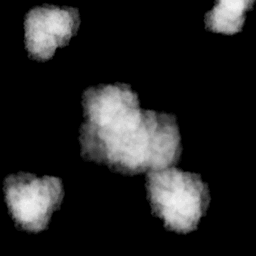
| ef_smoke | |
An effect that generates little puffs of smoke |
| ef_smokeup | |
An effect that creates a smoke plume that rises up the screen |
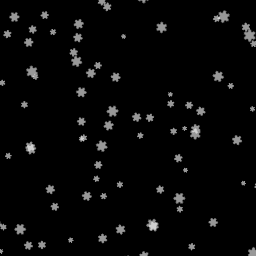
| ef_snow | |
An effect that generates multiple snow particles falling down the screen |
| ef_spark | |
An effect that generates a small spark |
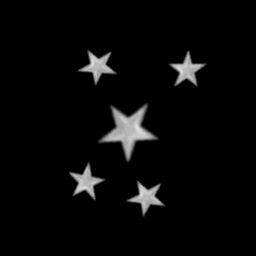
| ef_star | |
An effect that generates star particles |
effect_create_above(kind, x, y, size, colour);
| Argument | Type | Description |
|---|---|---|
| kind | Effect Type Constant | The kind of effect (use one of the constants listed above). |
| x | Real | The x positioning of the effect if relevant. |
| y | Real | The y positioning of the effect if relevant. |
| size | Real | The size of the effect. |
| colour | Colour | The colour of the effect. |
N/A
if health <= 0
{
effect_create_above(ef_explosion, x, y, 1, c_yellow);
instance_destroy();
}
The above code will create a medium, yellow, explosion above the instance and destroy it if its health variable is less than or equal to 0.