 You can now go back to the Marketplace Menu and click on the "My Library" menu item where you can download and install the assets you've acquired. See the page on the Library for more details on how to install assets.
To get an asset from the Marketplace you must first be logged in to your GameMaker Account. Once you have created your account and logged into Marketplace, you can then browse the asset packages available. You can download official extensions or content created by other community members, and currently only the content that is free can be acquired.
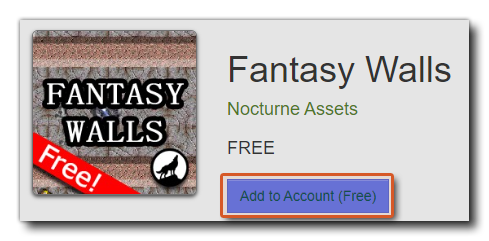
If you are getting an asset package for GameMaker then you simply have to select it from the market listings and click the "Add to Account" button. This will add the asset to your library.
You can now go back to the Marketplace Menu and click on the "My Library" menu item where you can download and install the assets you've acquired. See the page on the Library for more details on how to install assets.